Everything in MyGlyde

Four big ideas — starting made easy, streaks without shame, time you can see, rewards you chose — and a lot of quiet care underneath.

Type one messy phrase; Magic Breakdown hands back small, startable steps — the first move is never a mystery.
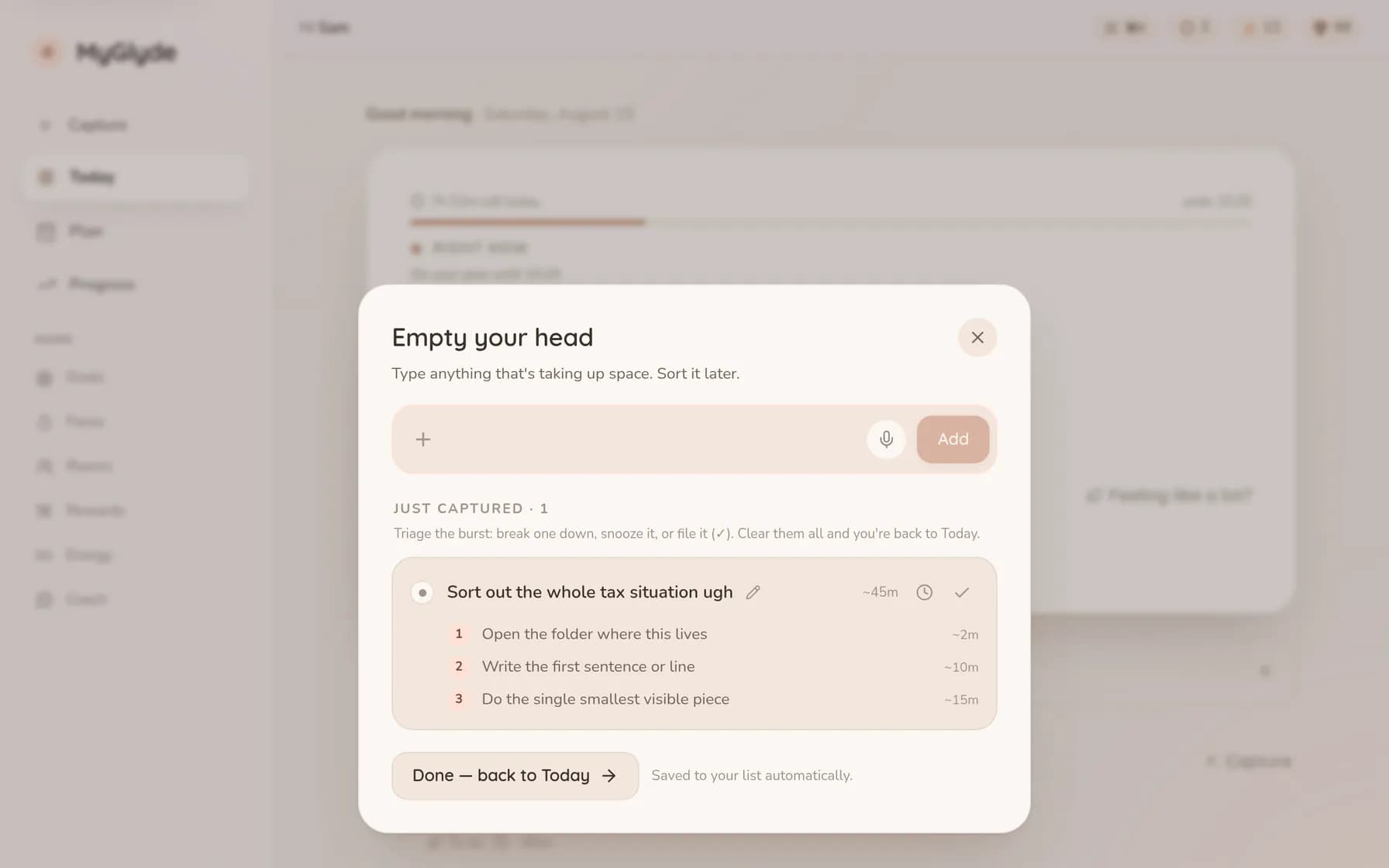
The same tax sentence turned into three numbered first moves: 'Open the folder where this lives' at ~2m, 'Write the first sentence or line' at ~10m, and 'Do the single smallest visible piece' at ~15m.
See how it works

Streaks that bend instead of breaking. A missed day spends a shield you earned — it never erases your history.
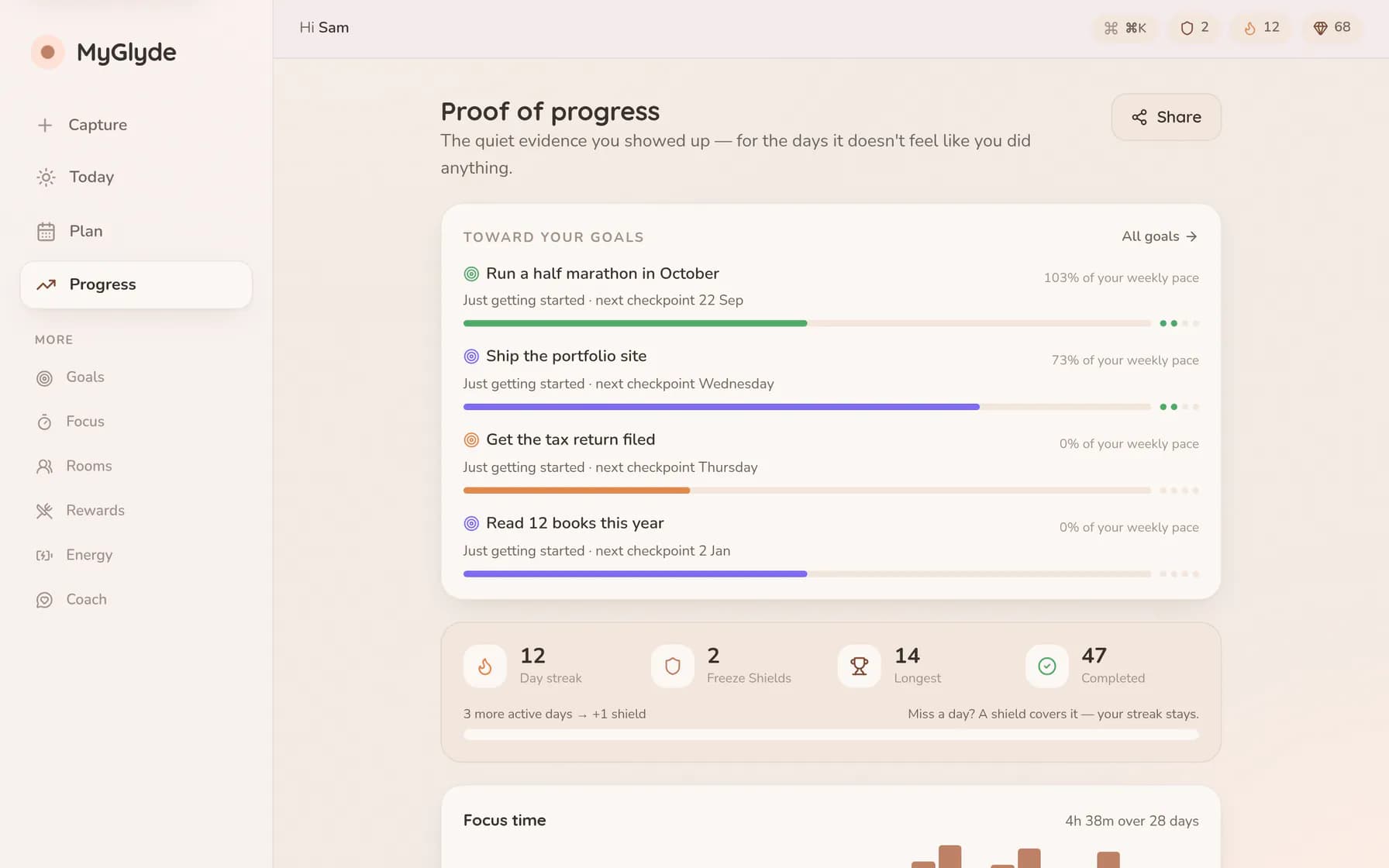
The progress page headed 'Proof of progress': a 12-day streak with two Freeze Shields banked, a bar chart of the last four weeks, coloured progress bands per goal, and a ledger of where the focused hours went.
See how it works

A visible, shrinking ring makes time feel real. Short sprints, gentle endings, credit for every minute.
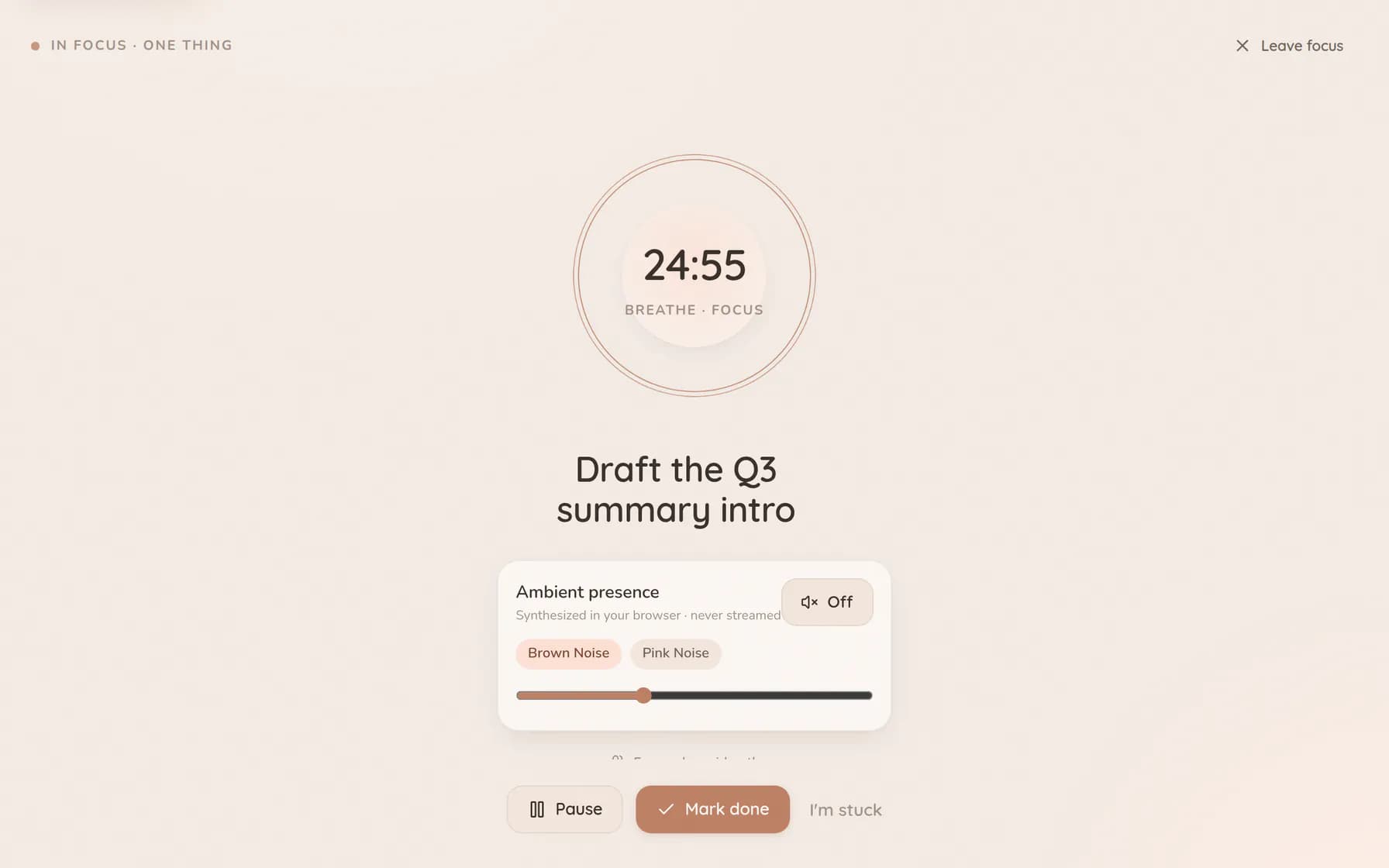
A focus sprint part-way through, showing the task title above a large ring that visibly shrinks as the minutes pass, with pause and finish controls and an ambient-sound toggle underneath.
See how it works

Effort earns credits; credits buy treats you chose yourself. Celebration, never a lock on your own life.
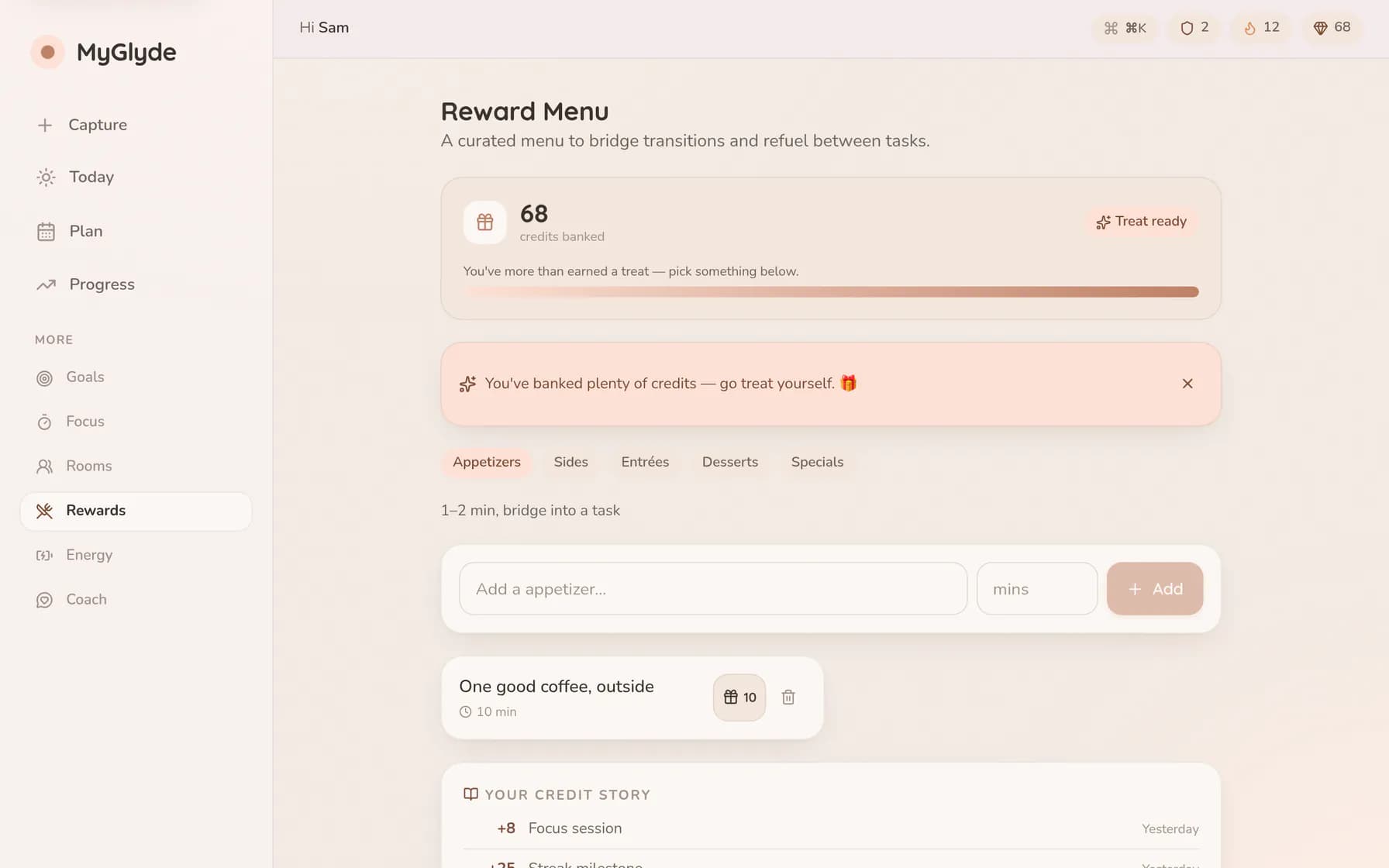
The Reward Menu written out like a restaurant menu — a coffee outside as the appetiser, a chapter of a novel as the side, twenty minutes of a video game as dessert — with 68 earned credits to spend on them.
See how it works

The thought arrives mid-message, mid-email, mid-scroll. Share it straight into MyGlyde — no app switch, nothing lost.
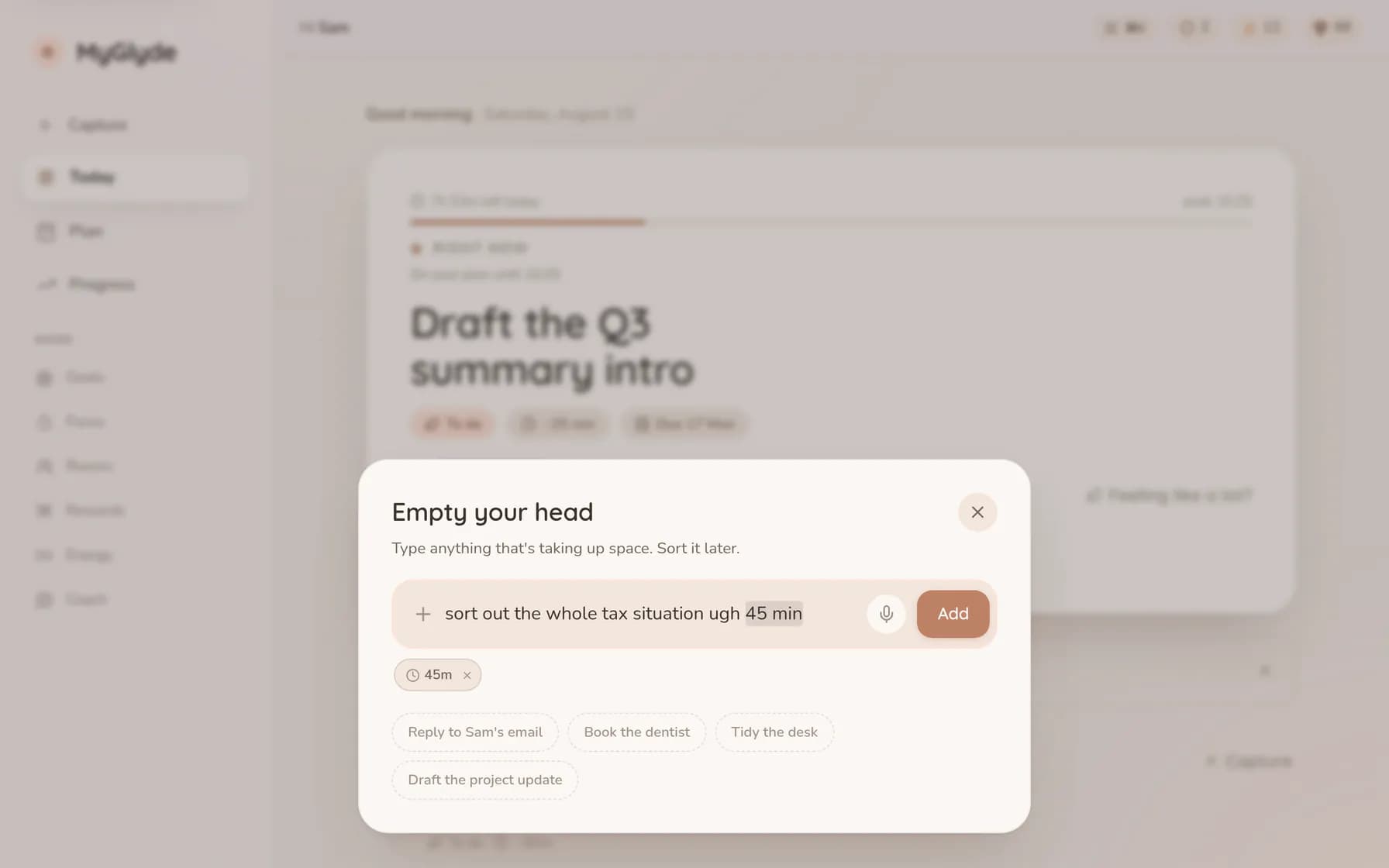
The capture box open over Today with one unfiltered sentence typed in — 'sort out the whole tax situation ugh 45 min' — and a chip underneath showing the 45 minutes it read out of the phrase automatically.
See how it works

And the rest of it

Long-term goals that stay connected to today, a week you can rearrange by hand, and everything a keystroke away.
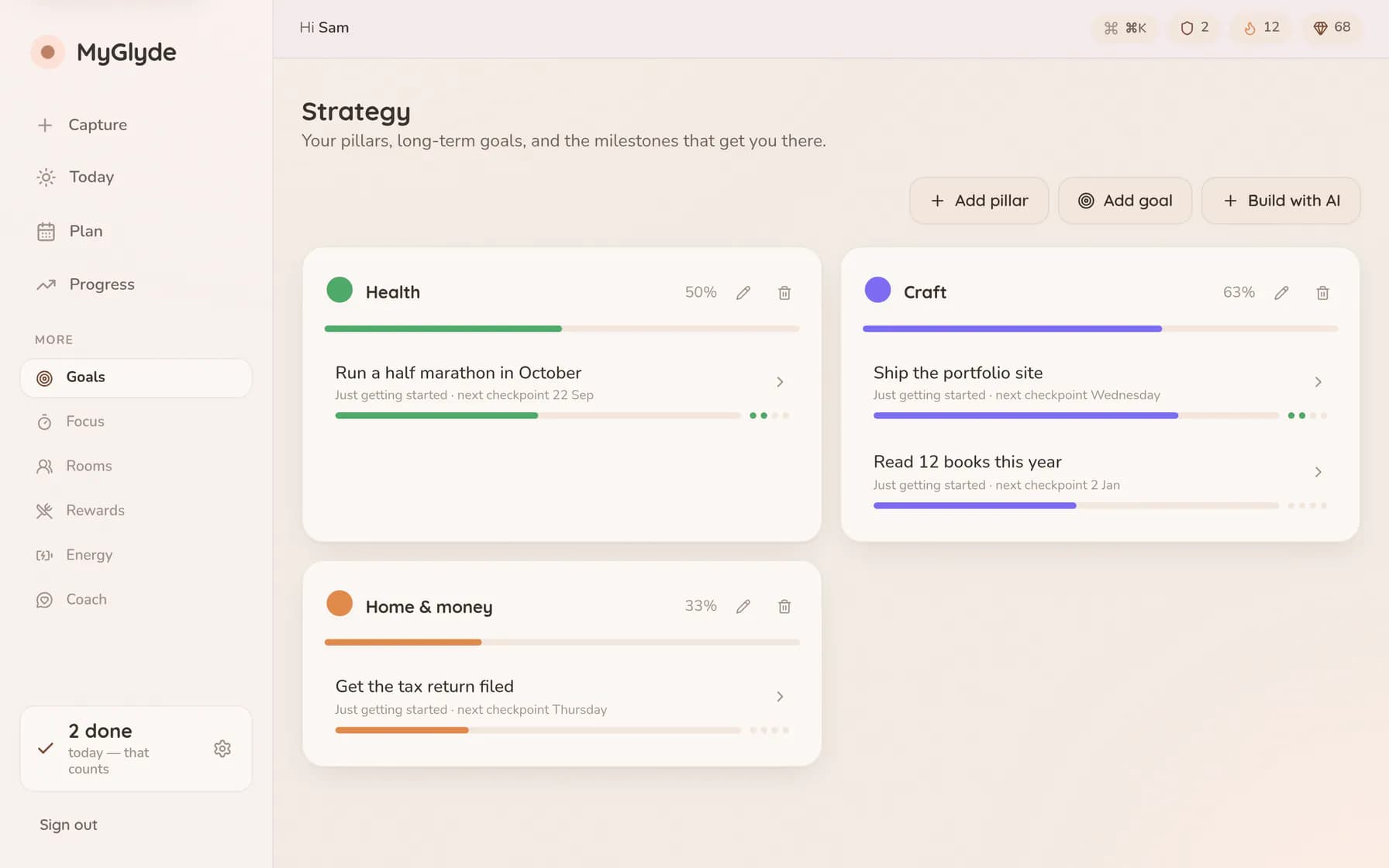
Goals grouped under three life pillars — Health at 50%, Craft at 63%, Home & money at 33% — each holding goal cards like 'Run a half marathon in October' with a progress bar and the next checkpoint date.
Goals grouped by the parts of life they belong to.
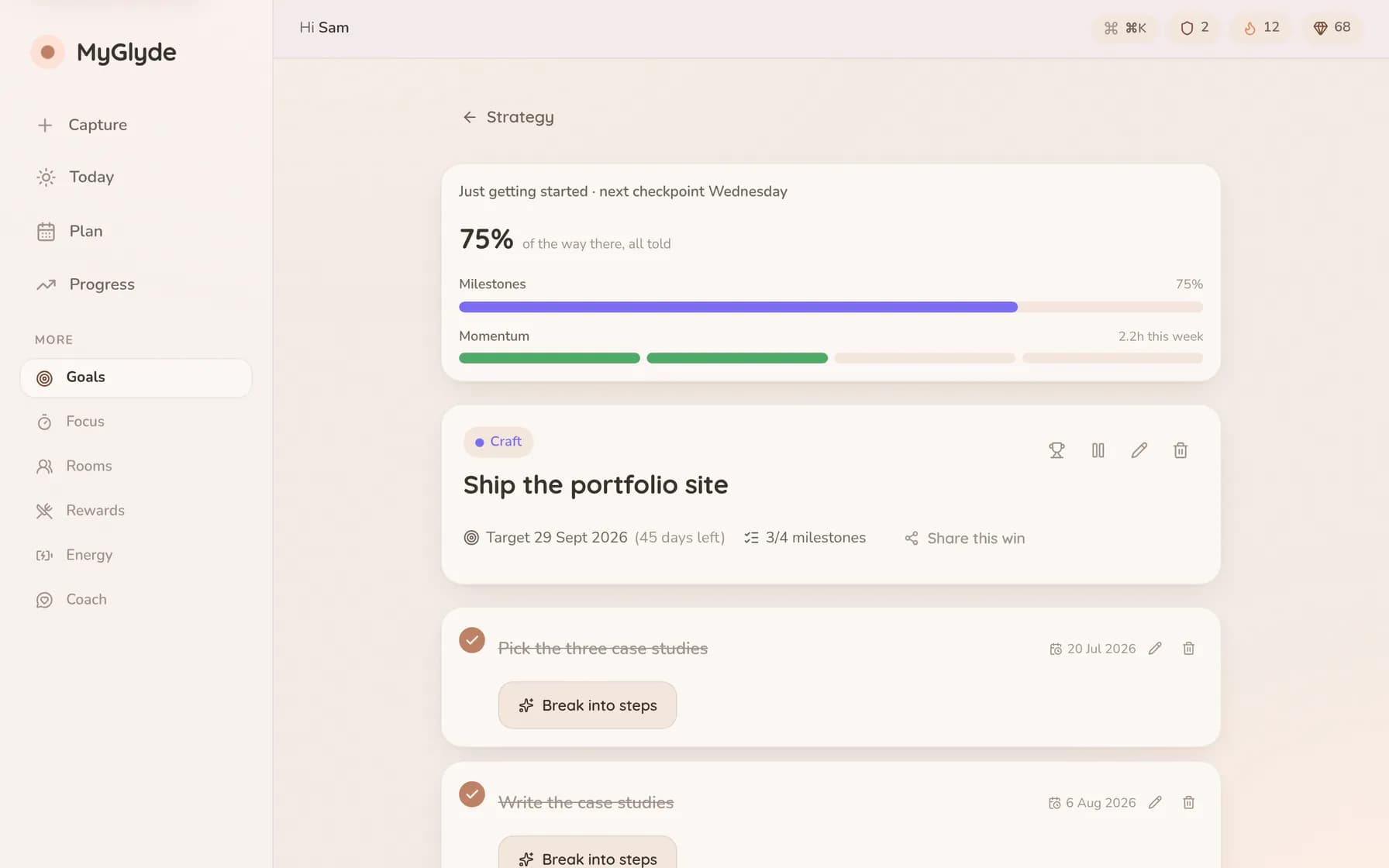
One goal opened up — 'Ship the portfolio site' — showing blended progress, a milestone timeline with three of four steps ticked off, and the dials controlling how hard it pushes and how often it checks in.
Milestones, pace and check-ins, per goal.
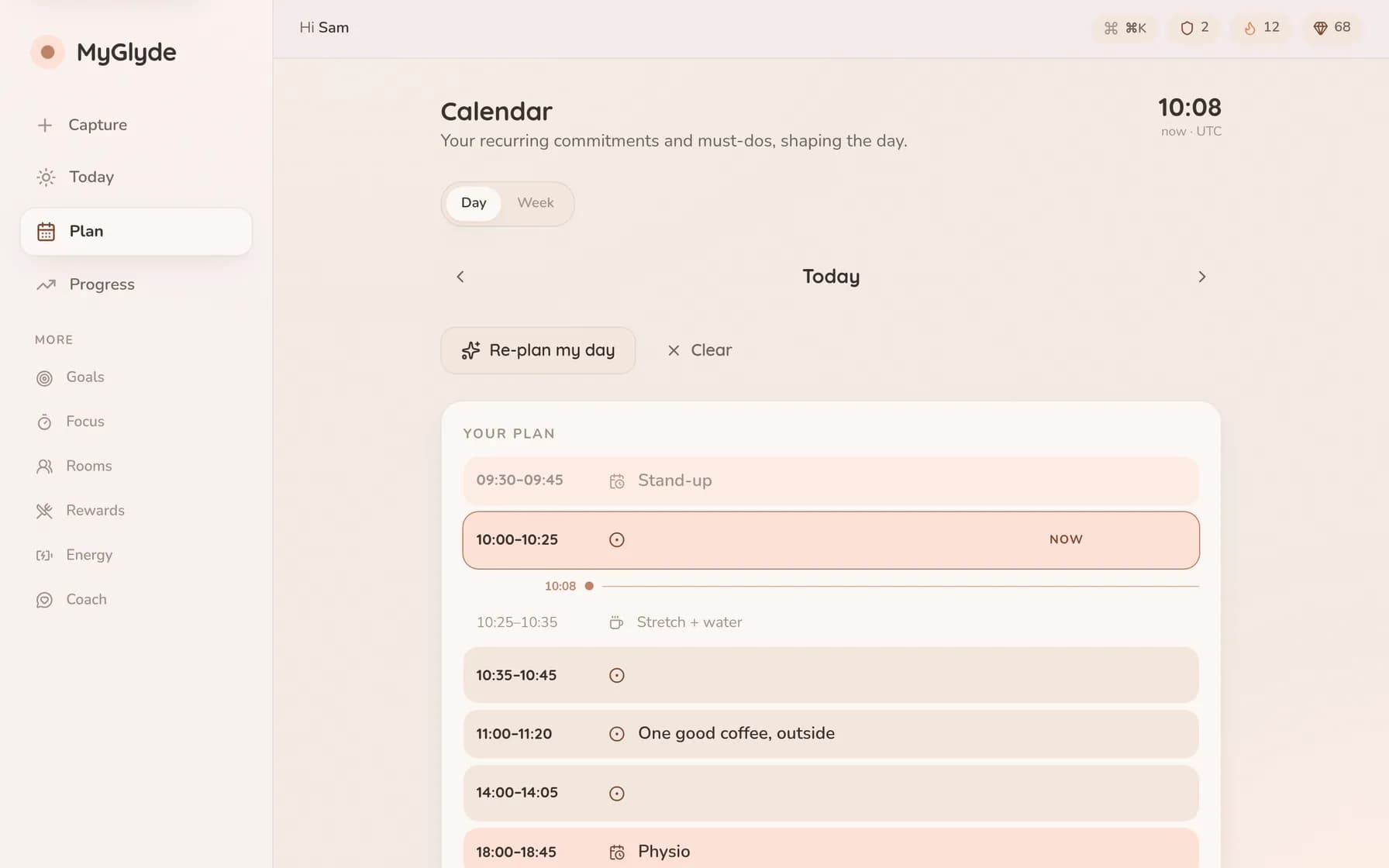
A single day laid out as a timeline: a 09:30 stand-up, two work blocks either side of a ten-minute stretch break, a coffee marked as a reward, and physio at six in the evening.
A day built out of real blocks, including breaks.
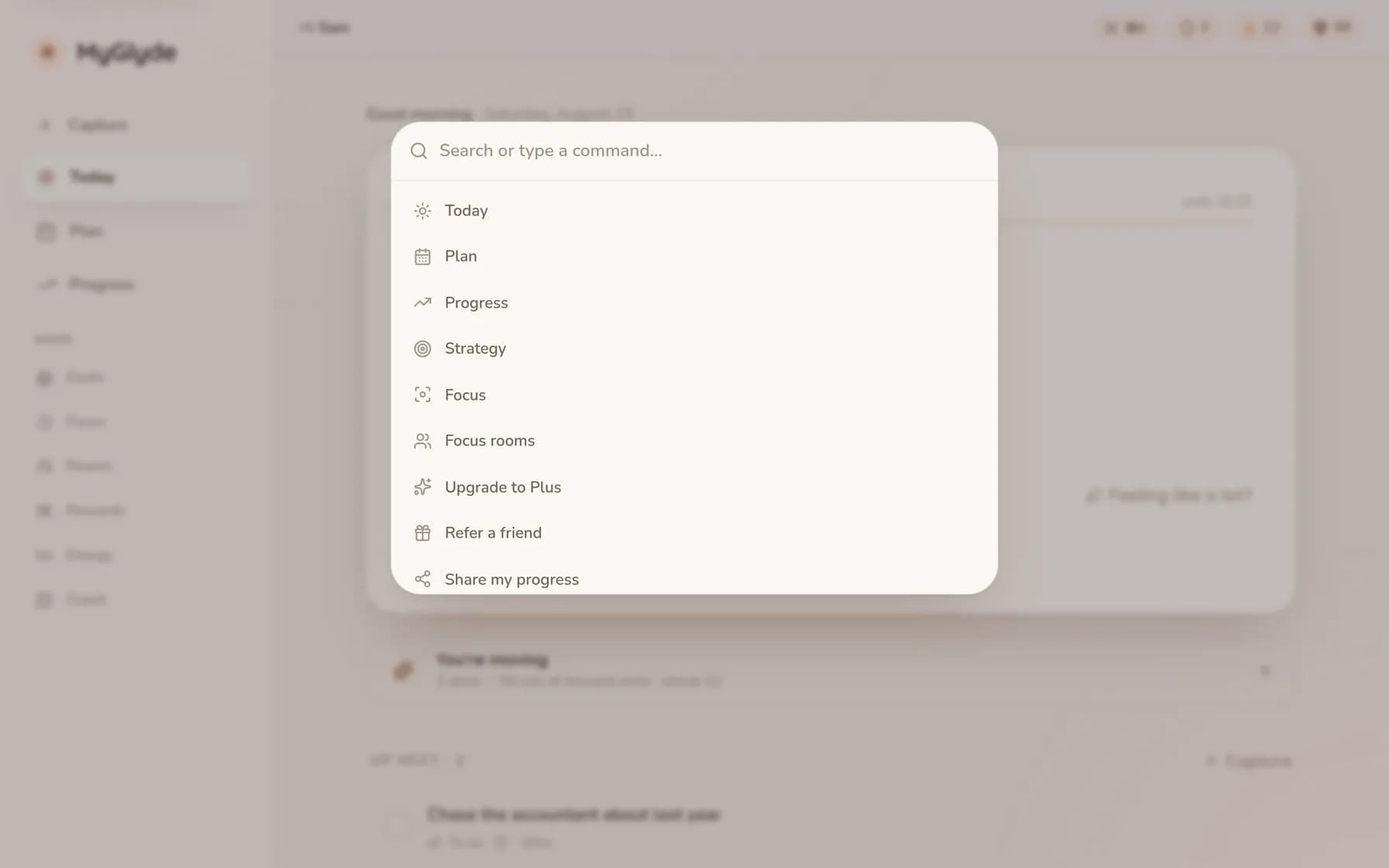
The command palette open over the Today view, listing every action in the app — capture, plan, focus, rewards, goals — reachable by typing instead of hunting through menus.
Cmd-K reaches anything, from anywhere.

Also in the box

Installs like an app

Add MyGlyde to your home screen — one tap on Android, Share → Add to Home Screen on iPhone — and it opens full-screen like a native app. It does need a connection; if you drop offline you get a calm holding page, and nothing you did is lost.

Fonts that fit your brain

OpenDyslexic (two weights, with true italics) and Atkinson Hyperlegible built in, plus theme, text-density and roundness controls.

Motion on your terms

We honour your device's reduced-motion setting everywhere, and there's an in-app control to calm or still animations entirely.

Under the hood: your data stays yours

  • Cognitive and behavioural-rhythm signals are processed on your device only — never sent to or stored on our servers.
  • Download a full JSON export of everything you’ve made, any time, from Settings. It’s yours — take a copy any time, or leave without a trace.
  • Delete your account permanently, self-serve from Settings — one clear confirmation, then it’s done. No email required, no retention tricks, no dark patterns.

More detail in our privacy policy and accessibility statement.

Try the whole toolkit