Why productivity systems stop working — and what a system that survives a bad week looks like
Every system works in week one. The failure is structural, not personal: most are designed for your best day. What breaks, why the rebuild cycle is so seductive, and the four properties of a system that bends.
· 11 min read
You have done this before. A clean new app, an afternoon of setup, a tagging scheme you are genuinely pleased with. For eight or nine days it is excellent. Then a week goes sideways — illness, a deadline, a family thing — and when you come back the system has a backlog in it. The backlog is a reproach. You stop opening it. Six weeks later you find a new app, and the afternoon of setup feels wonderful again.
The standard explanation is that you lack discipline. The standard explanation is wrong, and it is worth being precise about why, because the real reason tells you exactly what to build instead.
Every system is designed on a good day
Here is the structural problem. You design a system on the day you have the most energy for designing systems — a fresh, motivated, optimistic day. That version of you can maintain quite a lot: nested projects, three tag dimensions, a daily review, weekly planning, a someday/maybe list.
Then the system has to be operated by a different person: the tired Wednesday version, the one who just got off a difficult call and has forty minutes before pickup. That person’s available capacity is maybe a fifth of the designer’s. The system was calibrated to the wrong operator, and the mismatch shows up precisely when you need the system most.
This is why systems don’t fail gradually. They fail at the first bad week, because the first bad week is the first time the real operator shows up.
The four things that actually break
1. Maintenance cost exceeds the value delivered
Every system charges rent: tagging, sorting, re-scheduling, reviewing. On a good day the rent is invisible. On a bad day it is the entire interaction — you open the app, you are met with fifteen minutes of admin before any actual work, and you close it. Do this three times and the app becomes a place where you feel bad, which is a very hard problem for software to recover from.
2. The backlog becomes an accusation
A to-do list quietly doubles as a record of everything you have failed to do. Thirty overdue items in angry red is not neutral information; it’s a verdict delivered every time you open the tool. Avoidance is the rational response to a tool that makes you feel worse, and avoidance then guarantees the backlog grows.
3. It has no defined bad-day mode
Ask of any system: what is the smallest legitimate version of using this?Most have no answer. There is the full ritual and there is nothing, so a day where you can’t do the ritual becomes a day of nothing — and two of those in a row is how a habit dies.
4. All-or-nothing mechanics punish the return
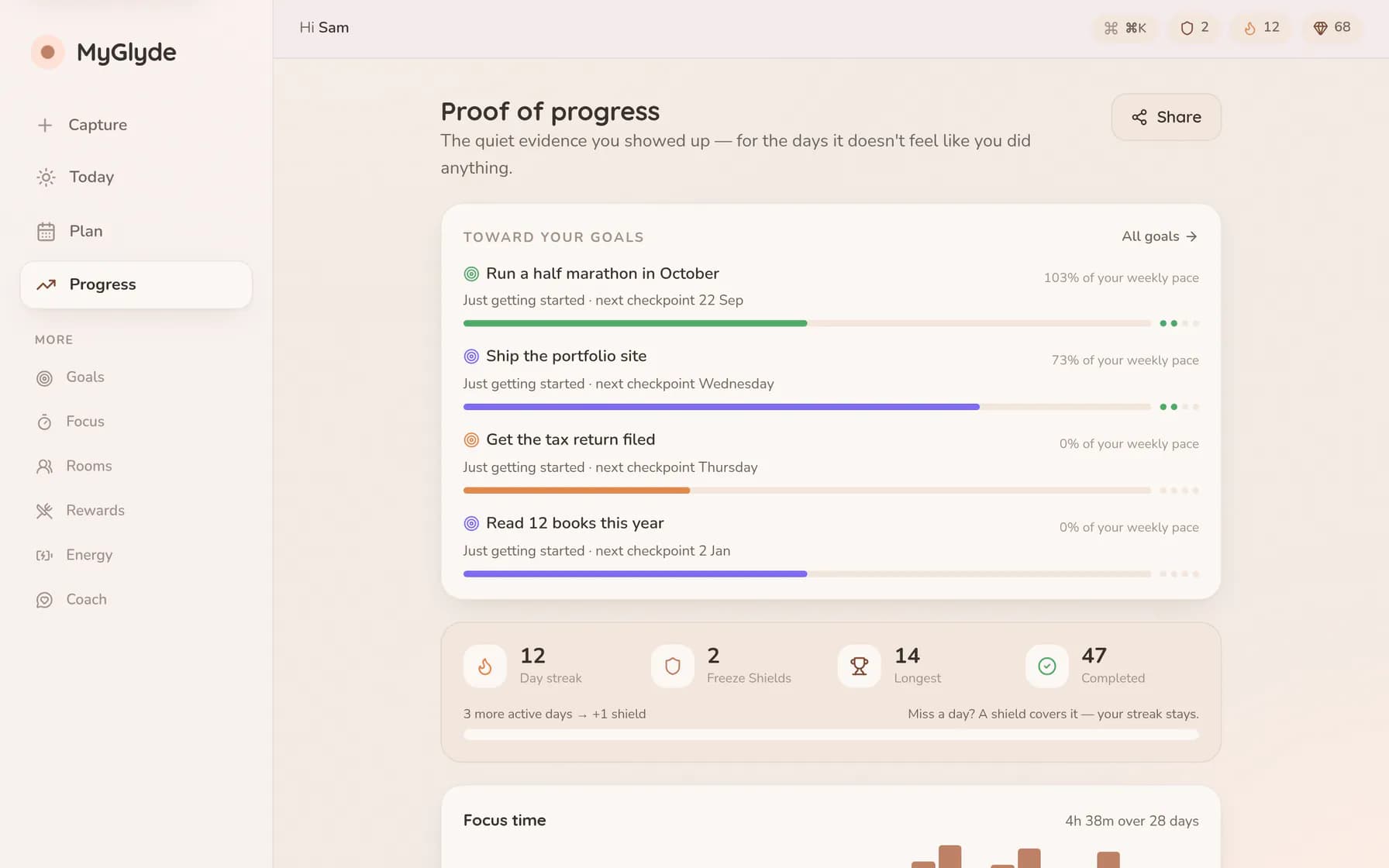
Streaks that reset to zero, weekly targets that reset on Monday, “perfect week” badges. These are motivating right up until you miss, and then they invert: the possession is gone, there is nothing left to protect, and the cheapest way to avoid feeling the loss is to stop looking. See streaks without shame for what the humane version looks like.
Why the rebuild is so seductive
Worth naming, because it is where the years go. Setting up a new system feels exactly like being productive: you are planning, deciding, organising, imagining the version of yourself who uses this well. It produces the satisfaction of work without any of the risk of work. Nothing in the setup phase can fail, because nothing has been attempted yet.
Actual tasks carry the possibility of doing them badly. Setup does not. So when a hard task is looming, “I should reorganise my system first” arrives with perfect timing and total plausibility. It is the most productive-looking form of avoidance available, and almost everyone who describes themselves as a productivity enthusiast has done it this month.
The tell is simple: if the rebuild is triggered by a specific task you are dreading, it isn’t a rebuild. It is a detour.
Four properties of a system that survives
It has a floor
Define the minimum viable version in advance, while you are calm, and make it genuinely tiny — one task, named the night before. Not a reduced ritual: a floor you can hit on your worst realistic day. The floor is what keeps the habit alive through the week that would otherwise have ended it, and its whole job is to be unimpressive.
It degrades instead of resetting
A miss should cost something small and earned rather than everything. A shield spent, a token, a bar that dips — anything that preserves the sense of an ongoing thing. What survives a miss is not the number; it is your willingness to open the app tomorrow, and that is the only asset that matters.
It surfaces one next action, not the inventory
The most valuable thing a system can do on a bad day is answer what now?with one item. Not a filtered view of forty items — one. A list requires prioritisation and initiation, in that order, at exactly the moment both are least available. Deciding is the expensive part; a system that decides for you when you’re depleted is worth more than one that organises beautifully.

Its maintenance is near-zero
Every field you have to fill in is a toll you pay forever. If a property doesn’t change what you do next, delete it. Most elaborate tagging schemes are answering questions nobody ever asks again, and the honest test is whether you have ever once filtered by that tag.
How to rebuild once, properly
If your current system has already collapsed, do this rather than shopping for a new app:
- Declare backlog bankruptcy. Everything older than a month goes to an archive in one action. If it matters it will come back; almost none of it comes back. This is not losing information, it is refusing to pay storage on guilt.
- Write your floor down, literally.One sentence: “On a bad day, this system means: do the one thing I picked yesterday.”
- Delete one feature you have never used to make a decision. Then do it again next month.
- Add a single weekly checkpoint, ten minutes, same time each week — the weekly reset script is exactly this.
- Judge it after four weeks on the worst of them, not the best. The best week was never in question.
When the system genuinely isn’t the problem
Two cases where none of this applies, and pretending otherwise wastes months.
You are overloaded. If the work assigned genuinely exceeds the hours available, no system fixes it — a better system just produces a more accurate picture of an impossible situation. That is useful for the conversation you need to have with someone, and useless as a personal productivity project.
Your bottleneck is a specific executive function, not organisation. If the tasks are clear, prioritised and visible and you still cannot start, the problem is initiation, and no amount of restructuring touches it. That needs a different intervention — see executive function, explained to work out which skill is actually stalling.
The general rule holds, though. A system’s quality is measured entirely on its worst day, because its best day was never the problem you had.